A Little Handon Yur Mac

Invoko is an AI desktop helper you can talk to while you work. Bring it beside anything on your screen, ask it questions, or let it handle tasks across your apps.

macOS 14+

An AI helperbeside you.

Invoko starts with the app, page, selection, and field in front of you.
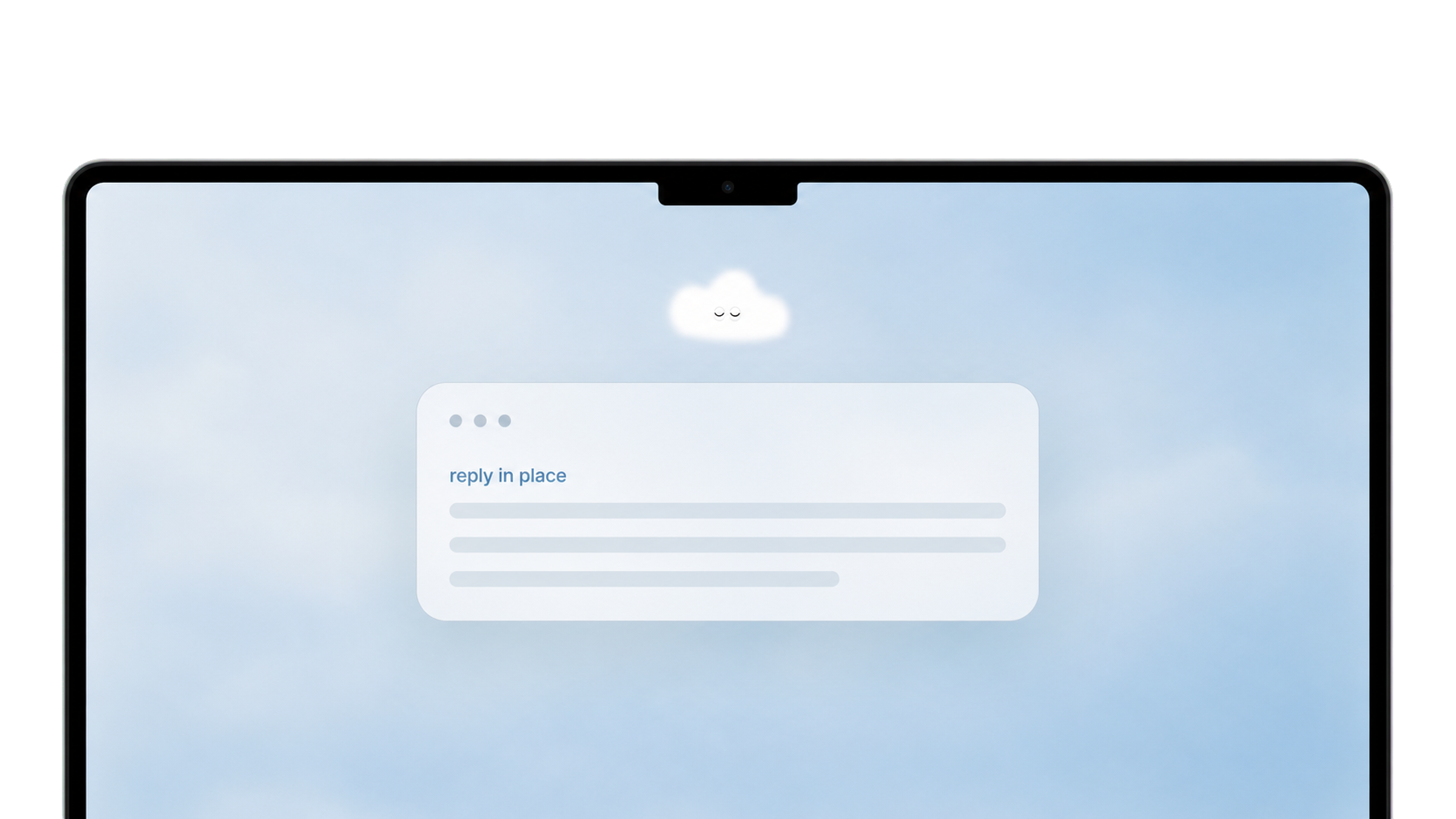
Invoko shown near the top of a Mac screen with a reply in place card
askfrom the app
already open
quick replyanswer the thread
without switching tabs
4x fasterthan typing
when you speak
walk throughget the next step
in unfamiliar software
explainask about the page
you are already reading
handofflonger work can
keep moving
personal helperkeeps your context
across sessions

Ask without opening a chat.

Hold Fn to say what you need done.

Invoko uses the microphone for that moment, then turns what you said into a reply, rewrite, or quick answer.

Act from the context already on screen.

Invoko uses the open page so you do not have to describe it.

When you ask, Invoko can use the current work to suggest actions that make sense there.

Let the task keep moving across apps.

Tell Invoko what to do, and it can keep working after you approve.

It can move between apps, gather what it needs, and bring the result back.

Privacy in Invoko
you're in control

Invoko puts privacy and permissions first. Your voice is never stored on our servers, and most data never leaves your Mac.

Privacy & Diagnostics
Help Improve Invoko
Share anonymous diagnostics when something goes wrong.
Send Feedback
Found something frustrating or delightful? Let us know.
Report
Privacy Policy
Learn how your data is handled and protected.
View Policy
"It replaced three apps I used for task management.""Hold Fn. Done. It really is that simple.""The memory feature is unlike anything I've seen on Mac.""I sent my first follow-up without opening Gmail.""It works while I'm in Figma. I never leave my flow.""The first AI tool that actually disappears into my work.""Drafted a whole client update just by talking to my screen.""It saved me probably 45 minutes on Monday.""It replaced three apps I used for task management.""Hold Fn. Done. It really is that simple.""The memory feature is unlike anything I've seen on Mac.""I sent my first follow-up without opening Gmail.""It works while I'm in Figma. I never leave my flow.""The first AI tool that actually disappears into my work.""Drafted a whole client update just by talking to my screen.""It saved me probably 45 minutes on Monday."

What beta users
are saying.

From the first wave of
Invoko beta users.

"

I dictated an entire client update, Invoko read my Figma file, pulled the key changes, and sent the email all while I kept designing. That was a first.

S
Sophie K.
Product Designer · Uses Companion + Dispatch daily
"

The memory feature is what hooked me. I mentioned a deal in passing and three days later Invoko referenced it unprompted. It actually pays attention.

M
Marcus R.
Account Executive · Primarily uses voice dispatch
"

I was skeptical about voice on desktop. But holding Fn and saying "remind me about this in 2 hours" while I'm mid-flow is just... magic.


Y
Yuri T.
Software Engineer · Early beta user, M2 Pro

Beta access

Invoko for Mac

Use the Mac action layer while we build it with early users.

Apple Silicon Mac. Early access while the beta is open. Feedback shapes what ships next.

Ask &
Answered

No. Invoko starts when you invoke it with a shortcut, tap, or request.

Voice, screen context, app control, and account connectors each need their own permission.

Invoko can use the current app, window title, page URL, selected text, focused field, and a screenshot when the task needs it.

That context helps Invoko answer from the work already open on your Mac.

Invoko supports common Mac work surfaces: email, chat, browsers, docs, notes, code, calendars, PDFs, design files, and task tools.

Covered pages can show action cards for tasks like summarize, explain, rewrite, draft, extract, capture, search, or check.

The cards are shortcuts.

If Invoko shows the wrong next move, type or speak what you want in the same panel. Some actions answer in-panel, some replace selected text, and longer tasks can move into the agent flow.

Yes, when you ask it to.

Short tasks can stay in the panel. Longer work can run through a background agent that opens targets, reads allowed context, uses authorized tools, schedules work, or brings the result back.

No. Core voice, screen, reply, and writing flows work without connected accounts.

Account connectors unlock deeper actions, and Invoko asks before using a connected account.

Invoko can use recent turns, task history, saved context, artifacts, and learned preferences to help follow-up requests.

It does not need to remember your whole desktop to keep useful context.

Invoko stores the context needed for history, memory, saved artifacts, and task continuity.

Voice recordings and screenshots are not retained by default.

Invoko is built for macOS and currently targets Apple Silicon Macs during beta.

Intel Mac support depends on the download option available for your device.

macOS · Apple Silicon · Free Beta

Start working
with your voice.

Curious if Invoko is right for you?

Ask your favorite AI if Invoko fits your workflow, where it saves time, and what you should try first.